
The Project Manager has not replied to my notification
Contractor side: Compensation events
Where the contract stands
Not yet. Silence alone does nothing. Clause 61.4 gives the Project Manager a week to reply; once that has passed you can notify the failure, and if there is still no reply two weeks later the event is treated as accepted and quotations as instructed. Giving that notice is your choice.
Read the guide: PM no reply to a compensation event
This is our plain-English summary, not legal advice. Your own contract, including any Z clauses, decides.
In Contract Status, step by step
See what is overdue
Your Action List shows what is waiting on you and, on the Other Companies tab, what you are waiting for. The registers and the record itself show Overdue once the reply date has passed.
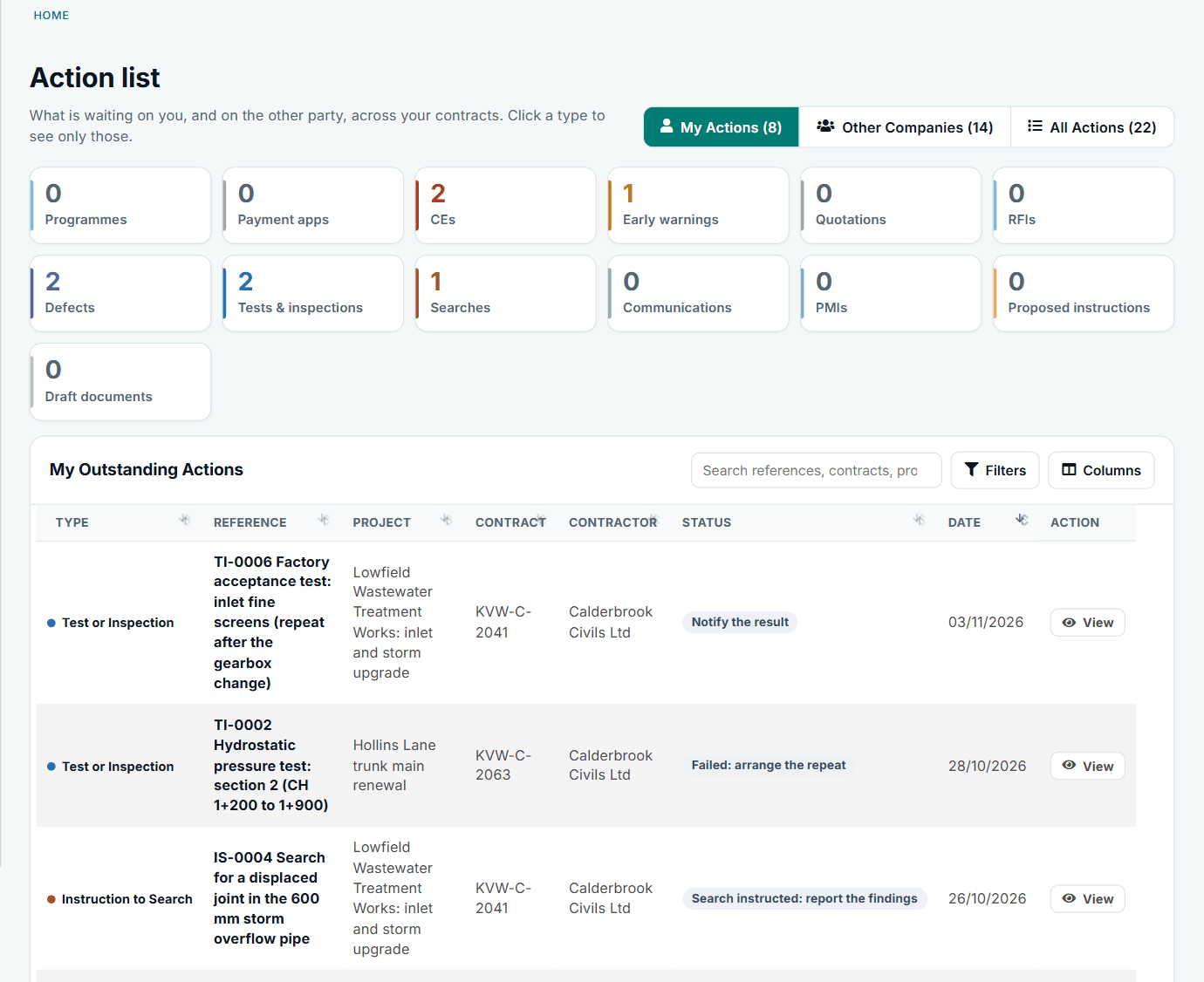
The same list on the contractor side: My Actions and Other Companies.
Give notice that the reply is late
Open the notification. A banner explains what the contract allows and what happens next, with a button for the notice and an optional note. Contract Status shows when you can give it. It never gives it for you.
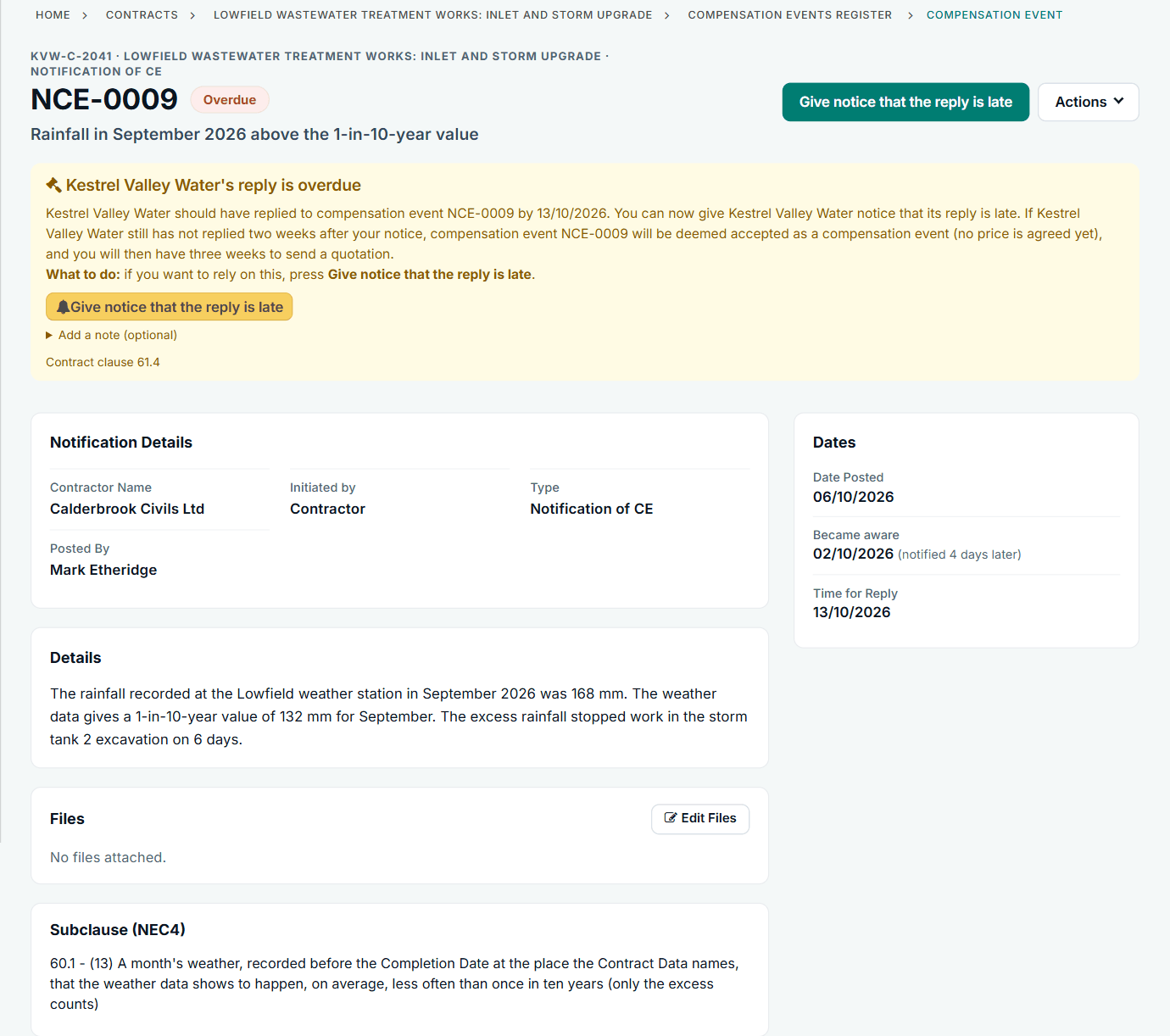
NCE-0009 from the contractor side, showing the banner and the clause it comes from.
Record deemed acceptance when the time runs out
If there is still no reply when the further period ends, either side can record it. The banner then gives the deadline that was missed, who recorded it and when your quotation is due.
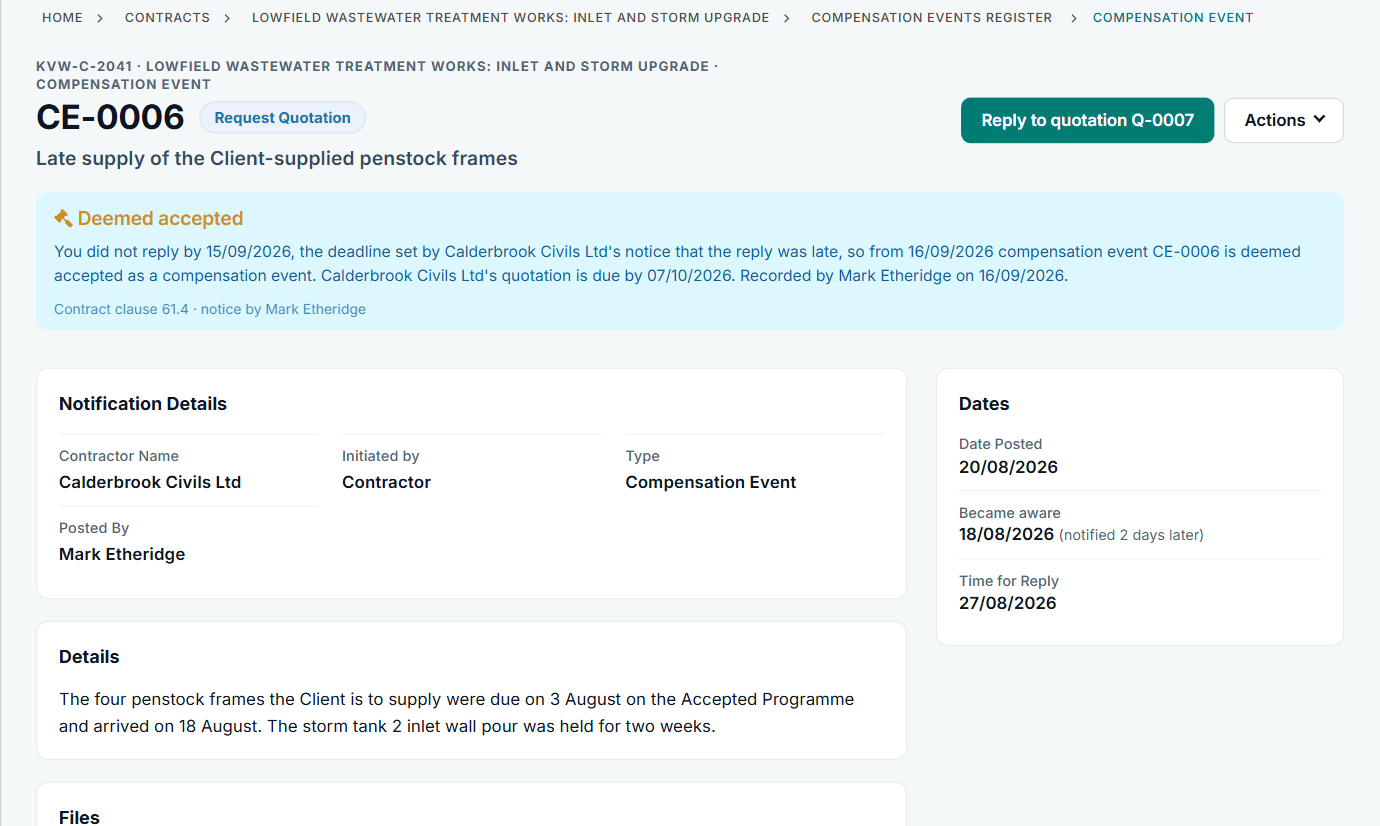
CE-0006 after the notice ran out: deemed accepted, no price agreed yet.
Quote
The event now shows Add Quotation as your next step. Deemed acceptance of the event does not agree a price: that still goes through a quotation.
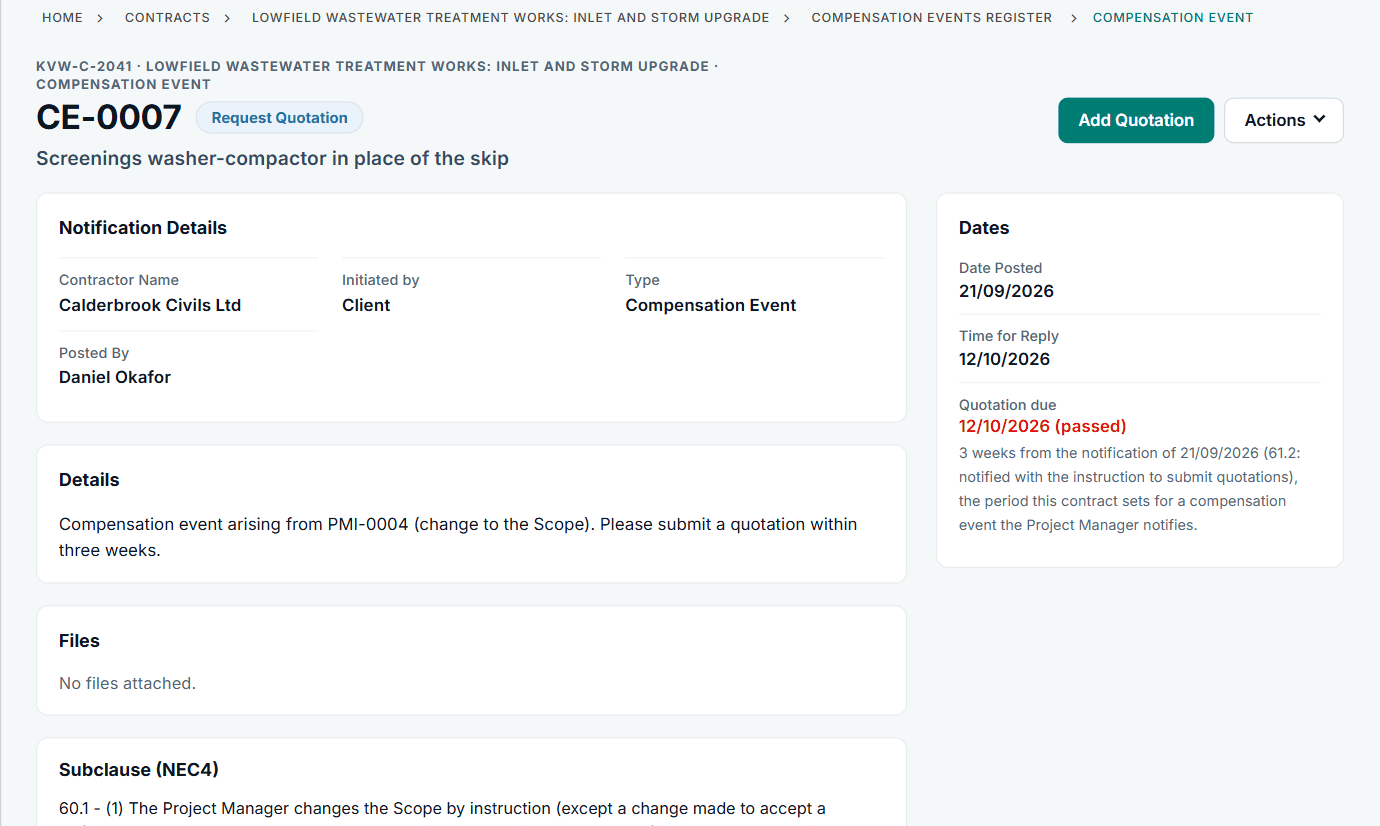
The next step is the main button on the record.
All screens are from the upgraded app, using a fictional water company, Kestrel Valley Water, and its made-up contractors.
What happens next on the other side
The Project Manager sees the same record with their own wording: the reply is overdue, what the notice means, and a Reply button. They are still able to reply until the period runs out. If your administrator has switched overdue alerts on, both sides are told in the bell when the reply goes overdue.
See it on a contract you can click through
The guided tour lets you walk the same fictional account yourself. Or book a demo, and bring the situation you are dealing with.