
Getting a price before you instruct
Client side: Proposed instructions
Where the contract stands
Use a proposed instruction. Under NEC4 clause 65.1 the Contractor prices the change first and nothing happens on site unless the instruction is later given (61.2 in NEC3). Set the date by which it may be given, and allow for the three weeks to quote. A late or missing reply means the price falls away.
Read the guide: Getting a price before an instruction
This is our plain-English summary, not legal advice. Your own contract, including any Z clauses, decides.
In Contract Status, step by step
Raise the proposed instruction
Choose + Add on Proposed Instructions, describe the change and ask for the quotation, with the date you may instruct by. Only your side has this button.
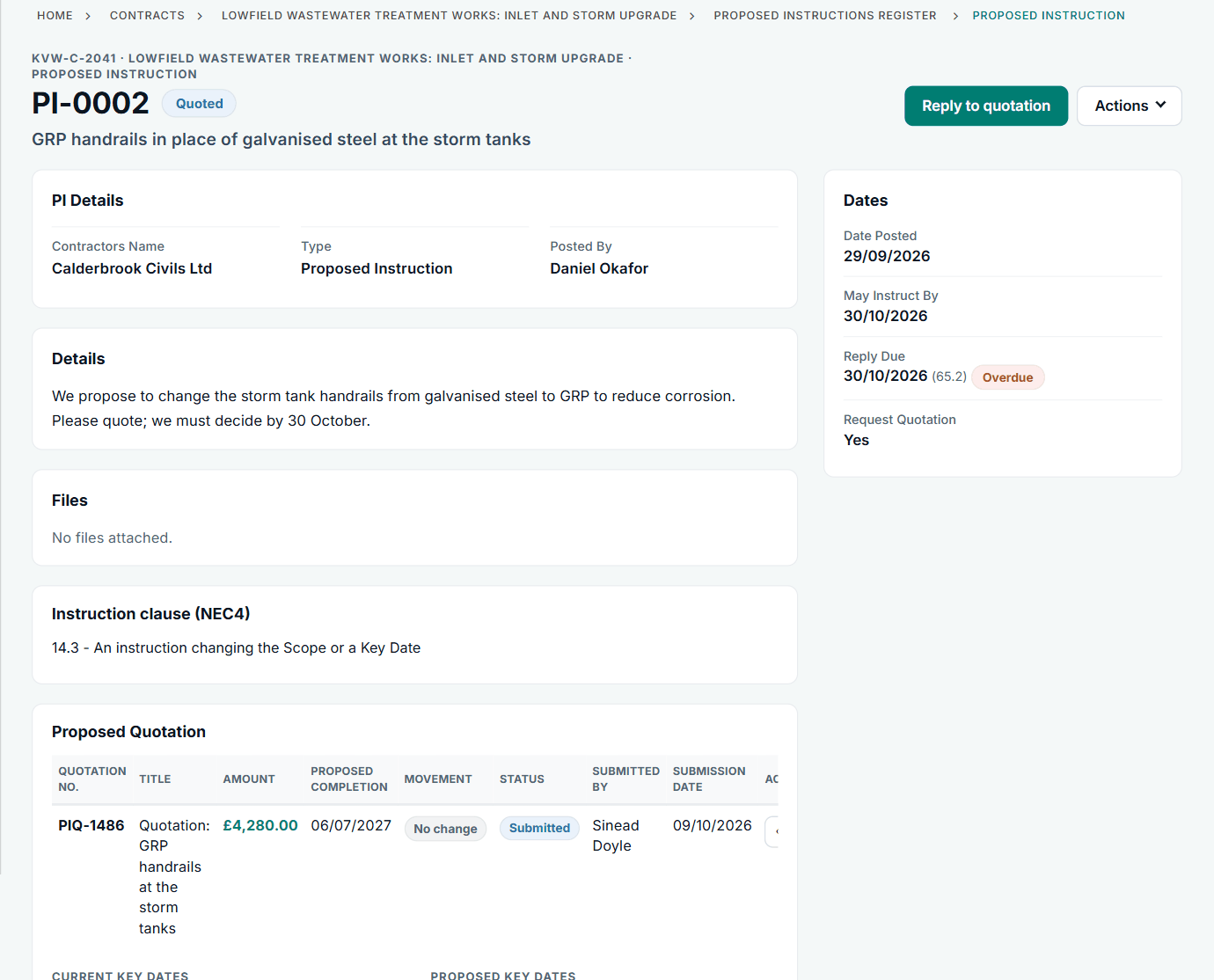
PI-0002: GRP handrails, quoted at £4,280.00.
Read the quotation and reply
The quotation appears on the same record, with the amount, any change to Completion and proposed Key Dates. Reply to quotation is your next step, and the reply date counts down.
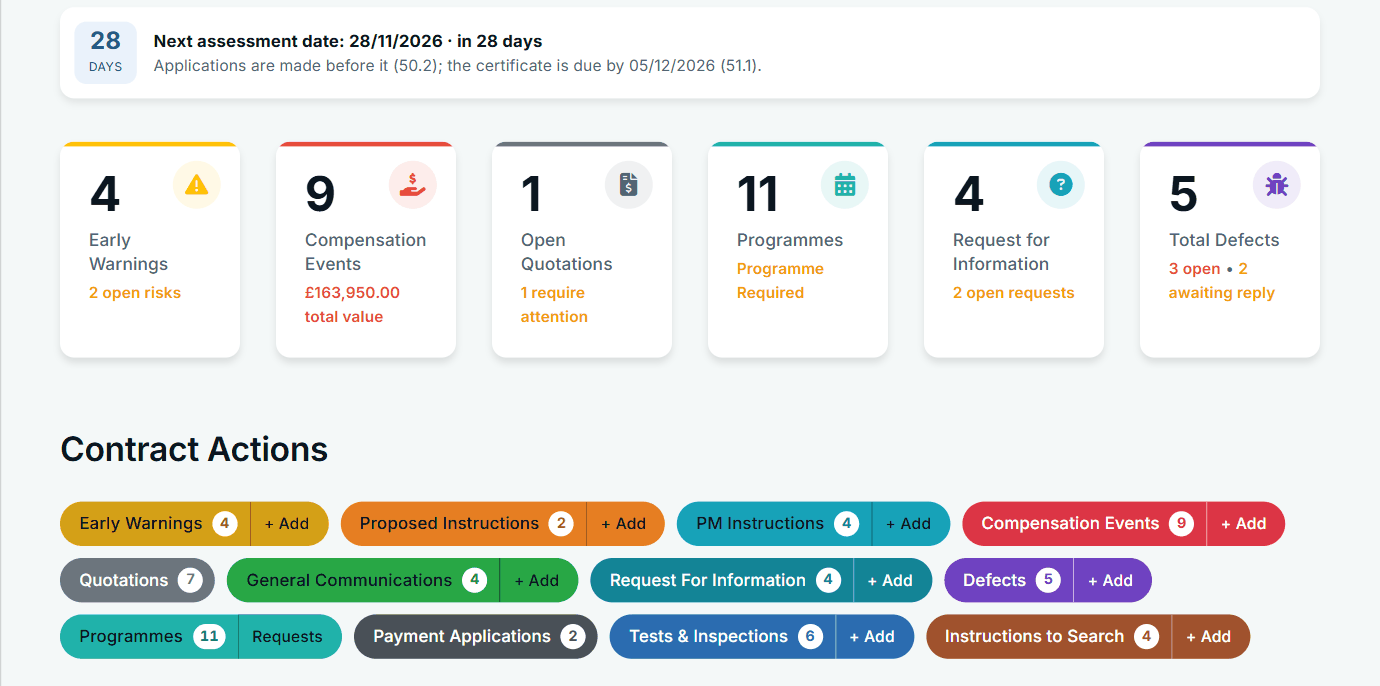
Proposed Instructions has its own button on the contract page.
Instruct and accept in one step
If the answer is yes, one reply gives the instruction, notifies the compensation event and accepts the quotation. You can also ask for a revised quotation, or say it will not be given.
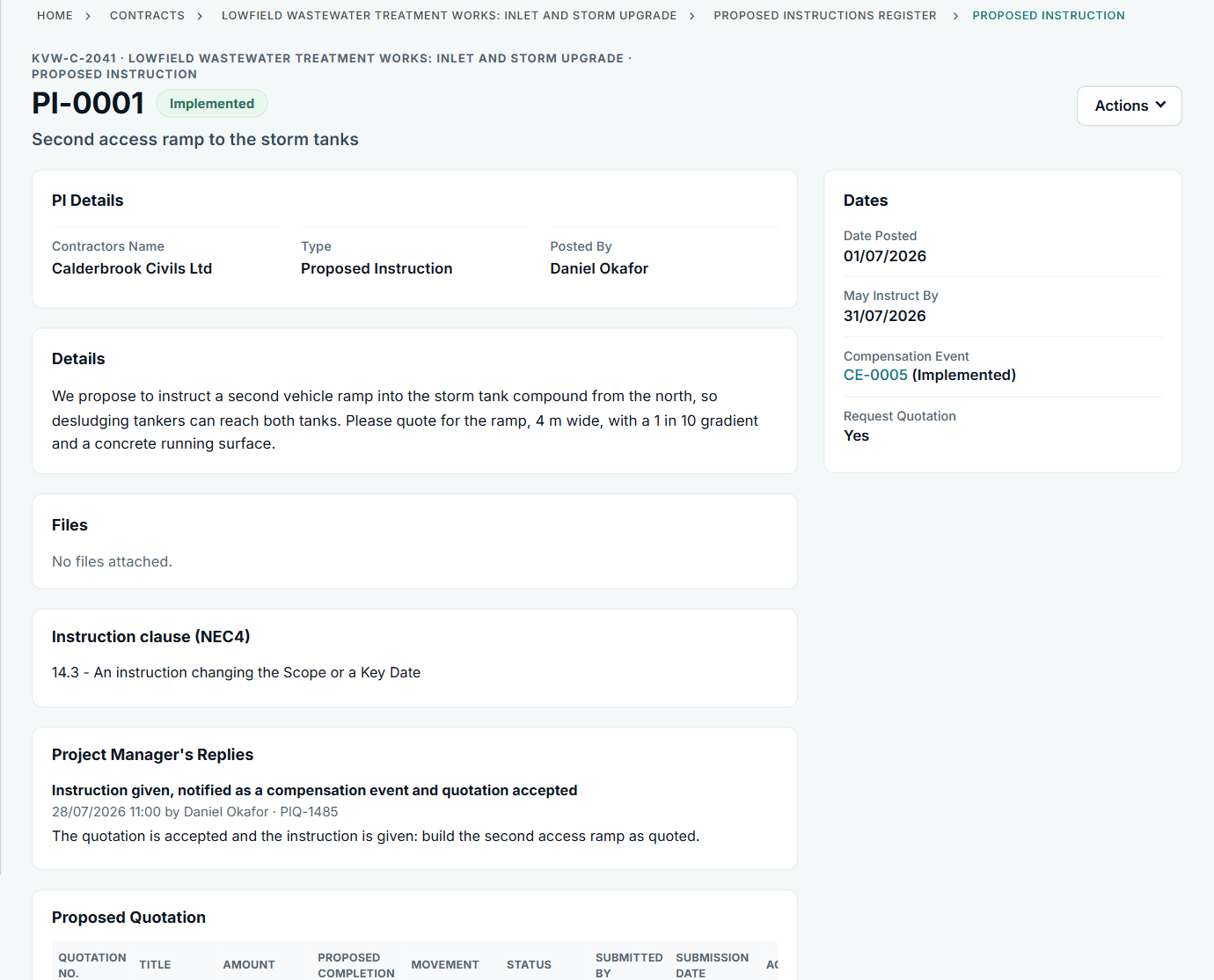
PI-0001: the linked event, CE-0005, is implemented on the quoted price.
All screens are from the upgraded app, using a fictional water company, Kestrel Valley Water, and its made-up contractors.
What happens next on the other side
The Contractor sees the request on their Action List and quotes on the record. If the quotation is accepted, the Prices change with it. Under NEC4, a quotation that is not accepted can itself be a compensation event (60.1(20)).
See it on a contract you can click through
The guided tour lets you walk the same fictional account yourself. Or book a demo, and bring the situation you are dealing with.