
Taking over a live contract
Client side: Records
Where the contract stands
The role continues when the person changes: a new Project Manager is bound by what has been done, and reversing a decision that was communicated can be a compensation event under 60.1(8). So you need the history before you change anything. An implemented event generally stays as it is (66.3 in NEC4).
Read the guide: Project Manager changed decision and Training and handover
This is our plain-English summary, not legal advice. Your own contract, including any Z clauses, decides.
In Contract Status, step by step
See who is on the contract
The Team page lists everyone by company with their contact details. If someone should come off, use Request removal on their card and an administrator handles it.
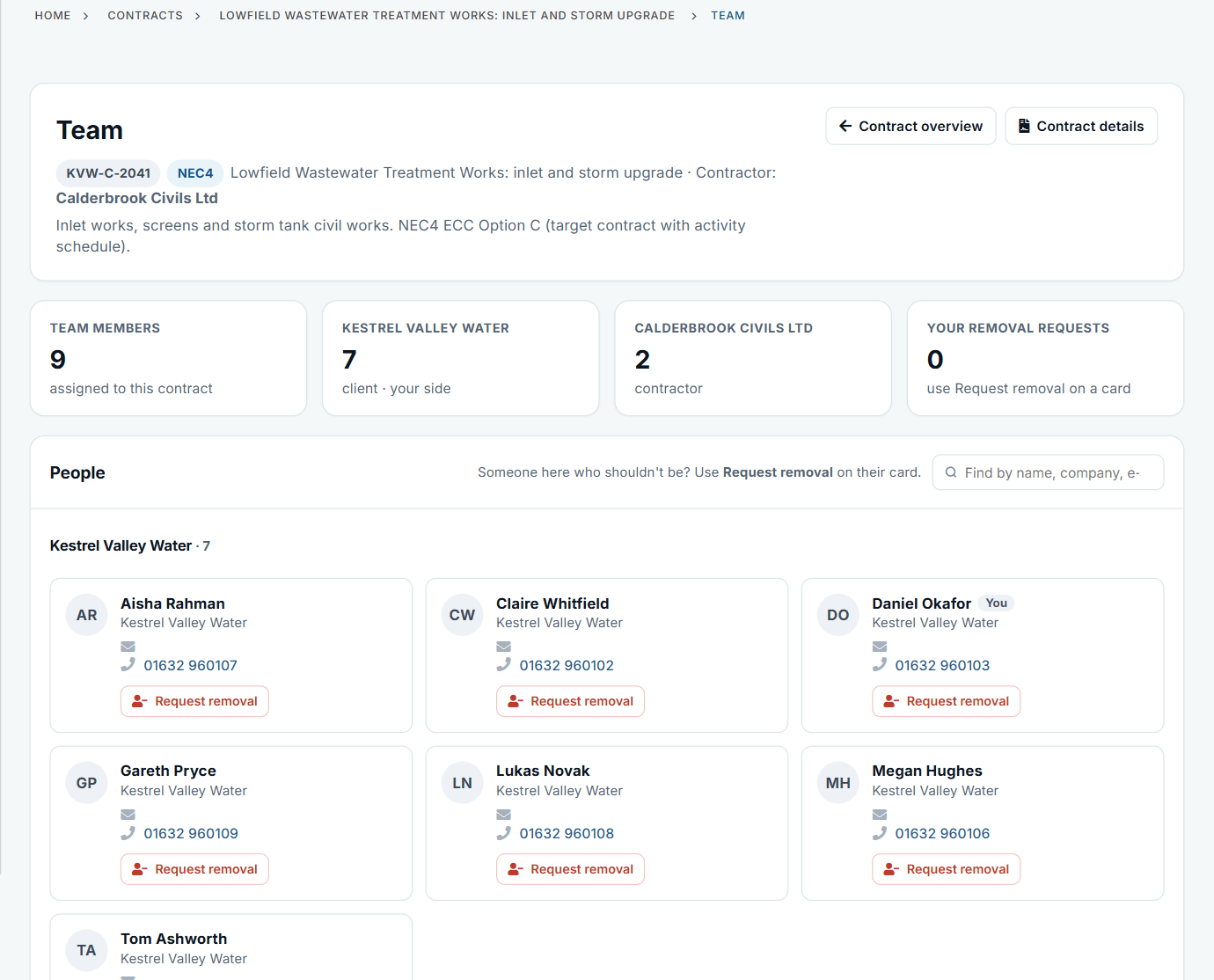
Nine people, seven on the Client side.
Read where it stands
The overview gives time left, the total of the Prices, payments and what is waiting for a reply, then the programme and Key Dates.
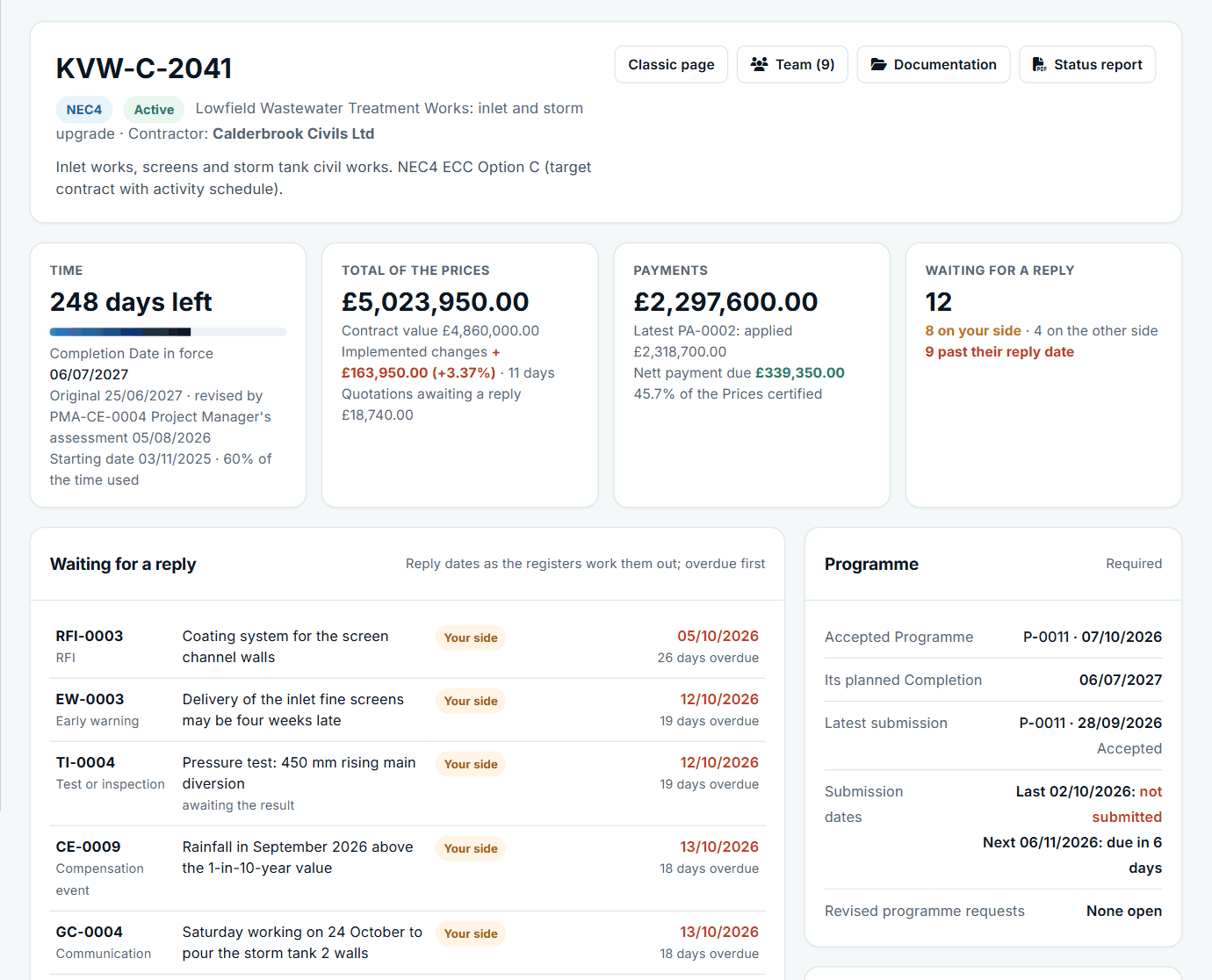
Start here on your first day.
See what is on you now
Your Action List and My Dashboard show the open items as soon as you are on the team, because they belong to the contract, not to the person who left.
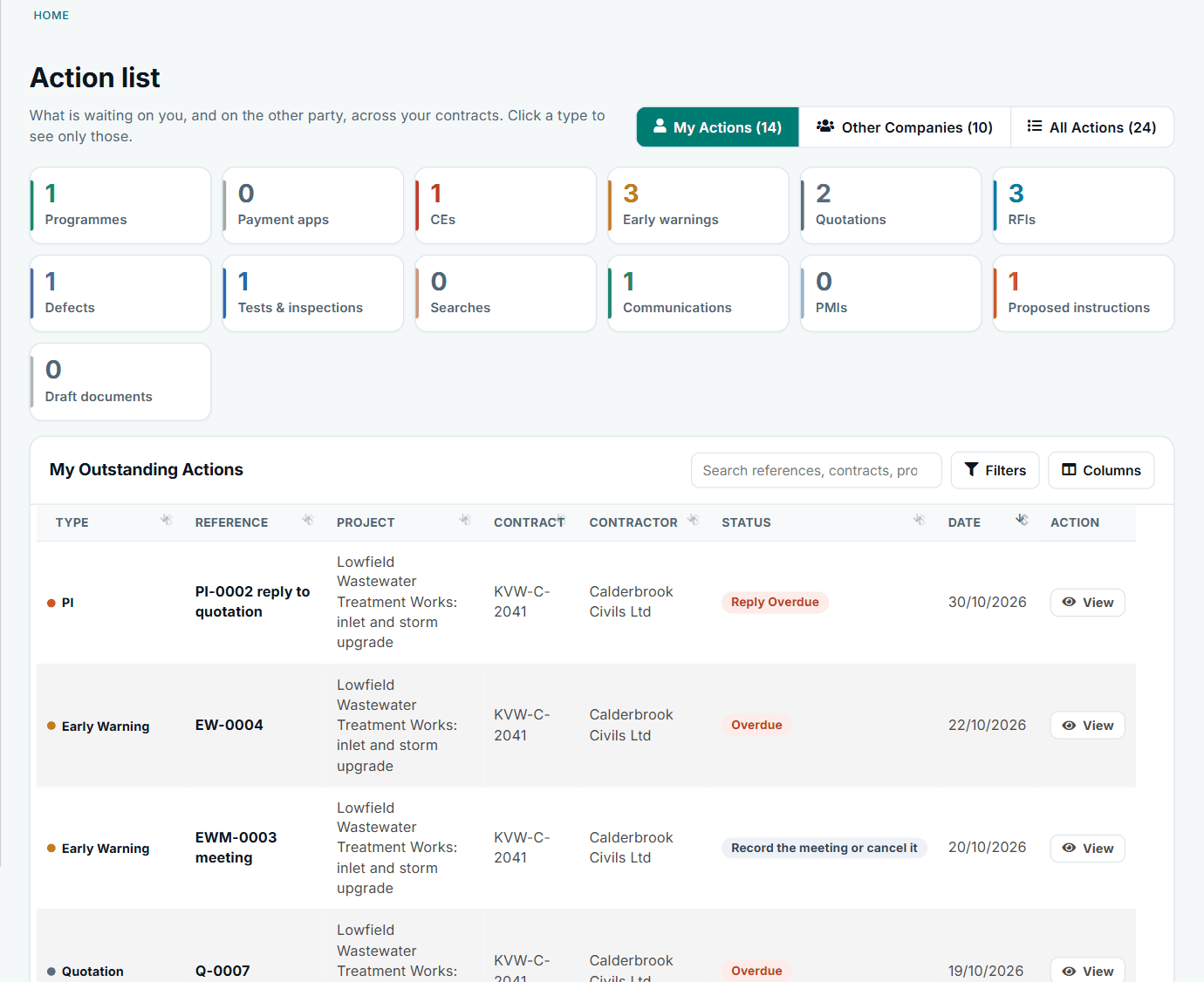
Fourteen items waiting on this Project Manager.
Read back through what happened
The activity feed shows each step in date order. The Key Dates and Completion Date timeline show what moved and why.
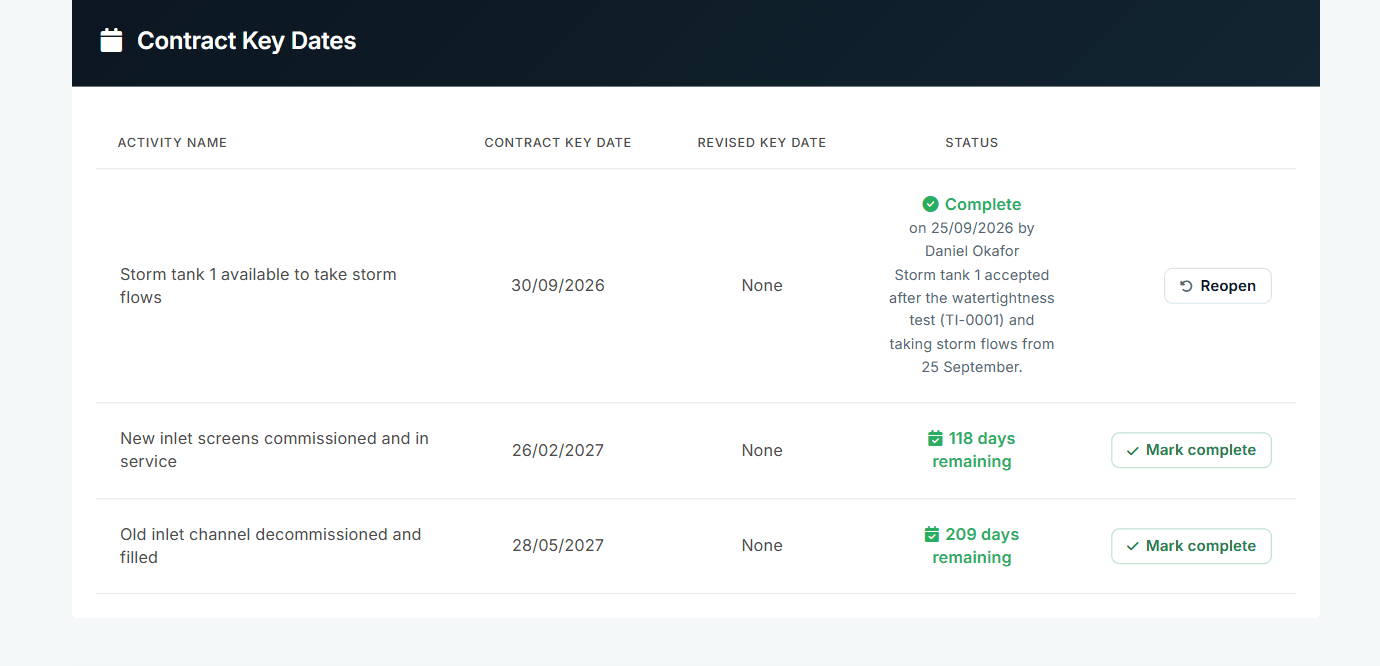
Key Dates with who marked them complete and why.
Find the how-to when you need it
My Support has step-by-step guides for each register, and NEC3 and NEC4 guides in plain English.
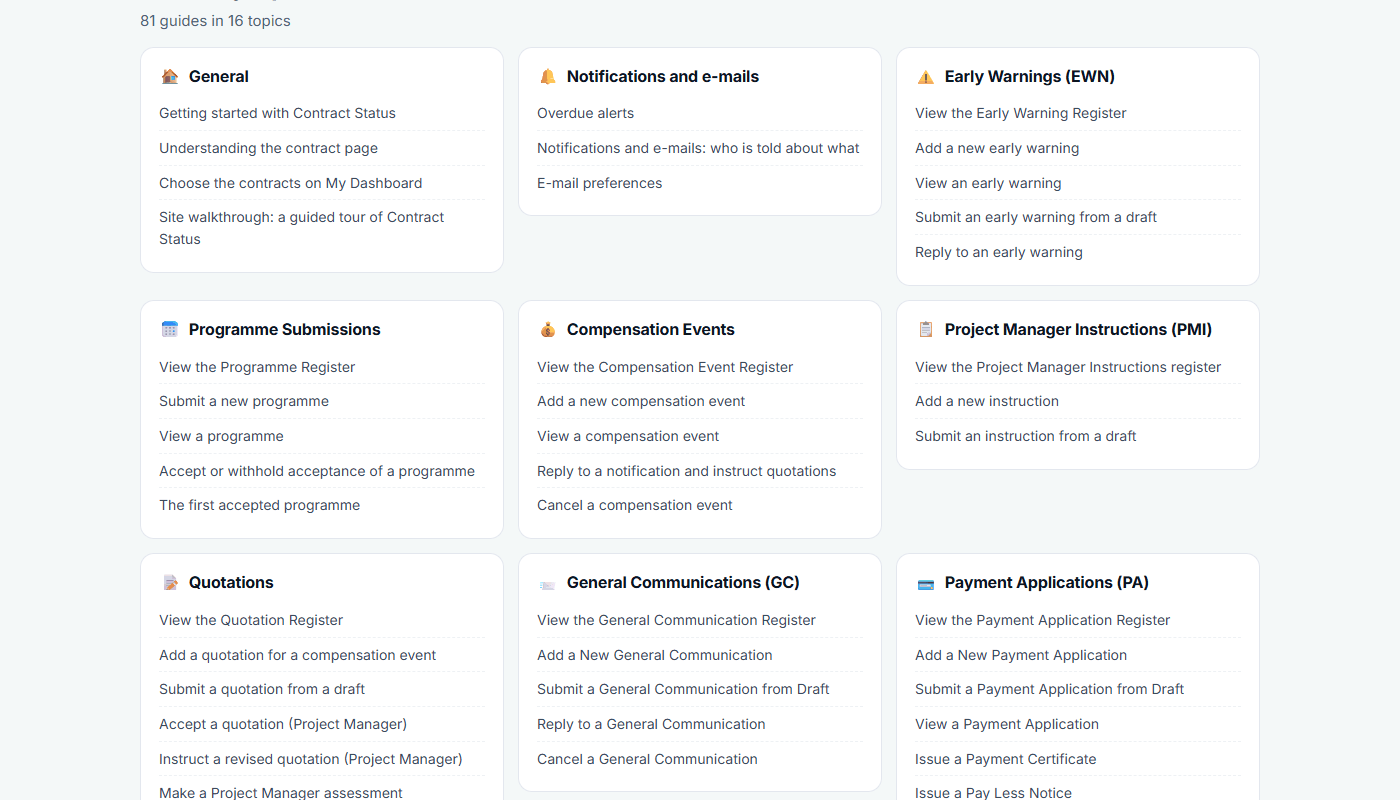
81 guides in 16 topics.
There is no single handover button. An administrator puts the new person on the contract team, with their role, and the contract's records are then theirs to read and act on.
All screens are from the upgraded app, using a fictional water company, Kestrel Valley Water, and its made-up contractors.
What happens next on the other side
The other side sees the new name on the team page and on the replies you give. Nothing about the records changes: their dates keep running.
See it on a contract you can click through
The guided tour lets you walk the same fictional account yourself. Or book a demo, and bring the situation you are dealing with.