
Several contracts, several forms, and no surprises from any of them
One job is an ECC Option C with Z clauses. Another is an NEC3 Option A. A third is a short contract. Your team is expected to remember which periods apply to which, and you answer for it when they do not.
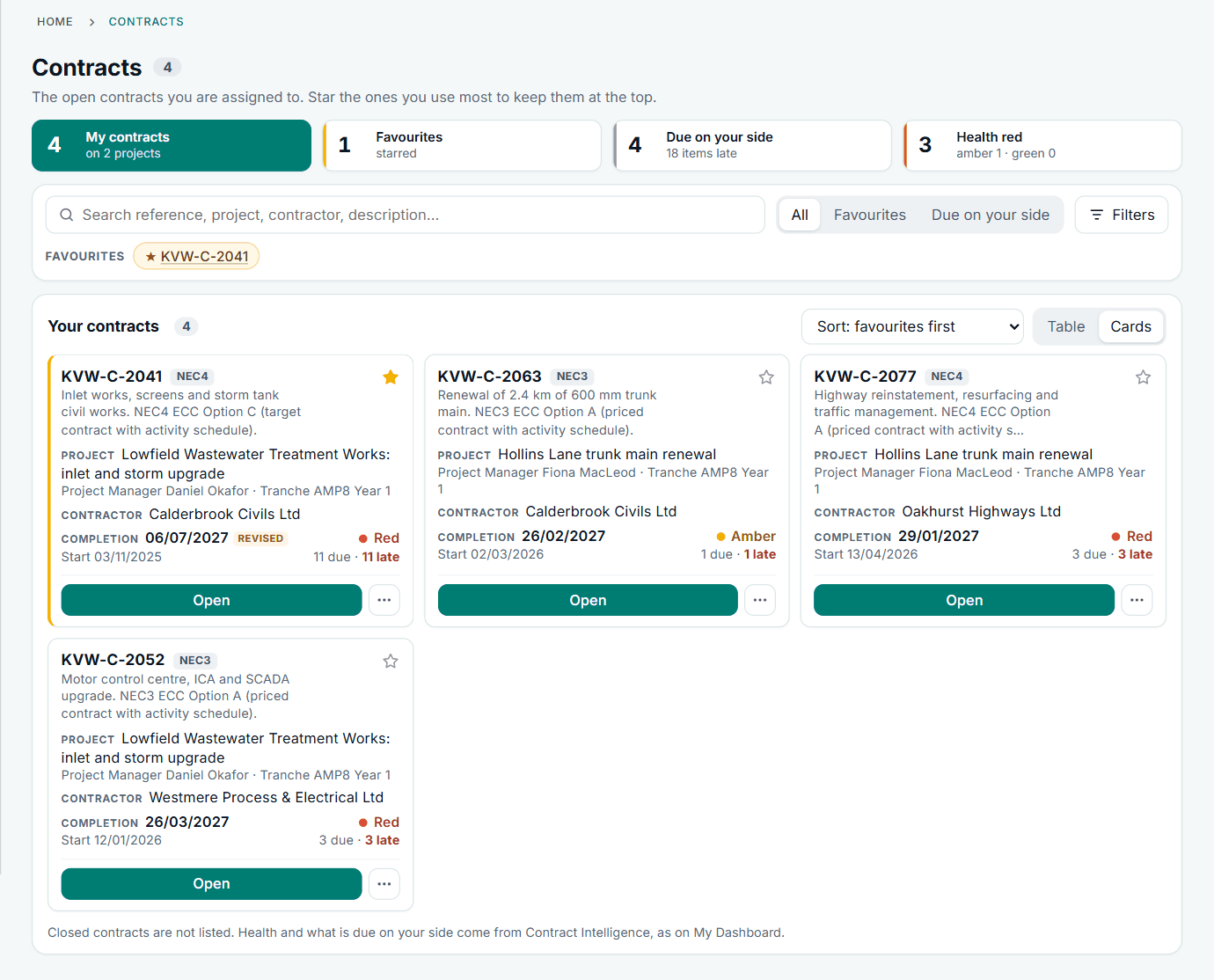
Each contract keeps its own rules
When you record a contract's type, it brings the Options that form has, the words it uses and the registers it needs. Periods for reply are set for the company and changed for a single contract, so a Z clause that changes a period changes the dates on that contract, and only that contract.
- The contract list and headings show the type: "NEC3 ECC, Option A"
- Standard clauses for NEC3 and NEC4 forms, in our own plain English with the NEC numbers
- Letters and replies quote the contract's own clauses where it has them
- A sent notice keeps the clause it was sent with
A day with NEC, without it and with it
- 8am, without it: you ask three site teams what came in yesterday. With it: the Action List already shows your actions and those of the other companies, across all your contracts, with the overdue ones first.
- 10am, without it: a junior engineer has put a notification inside a progress report, against 13.7. With it: every notification has its own record on its own register, so there is nothing to bury it in.
- Noon, without it: someone asks for more time on a reply after the date has passed, and you are left to sort it out. With it: the request is made on the record before the reply is due, as 13.5 expects, and accepted or refused there.
- 3pm, without it: a colleague leaves and their mailbox is the contract file. With it: the history is on each record, and you can ask an administrator to change the team.
- 5pm, without it: you still cannot say which contract is in the most trouble. With it: contract health gives each one a colour, with Unknown instead of a false Green where a rule cannot be checked.
What it takes off your plate
Set up once, copy many
Start a contract from another one or from a saved set-up: type, Options, periods, programme requirement and its own clauses. Copy a set-up to many contracts after a preview. Every copy is independent.
Replies, by clause 13
Clause 13.3 sets the period for reply, 13.4 the reasons for not accepting a submission, 13.5 extensions by agreement. Each register holds the reply on the record, and late ones show as overdue.
Submissions in one register
Design, people, Subcontractors, quality, the Option A activity schedule, insurance and bonds, each accepted or not with the contract's reasons. Revisions are kept, and you are prompted to notify an event where one follows.
Team changes
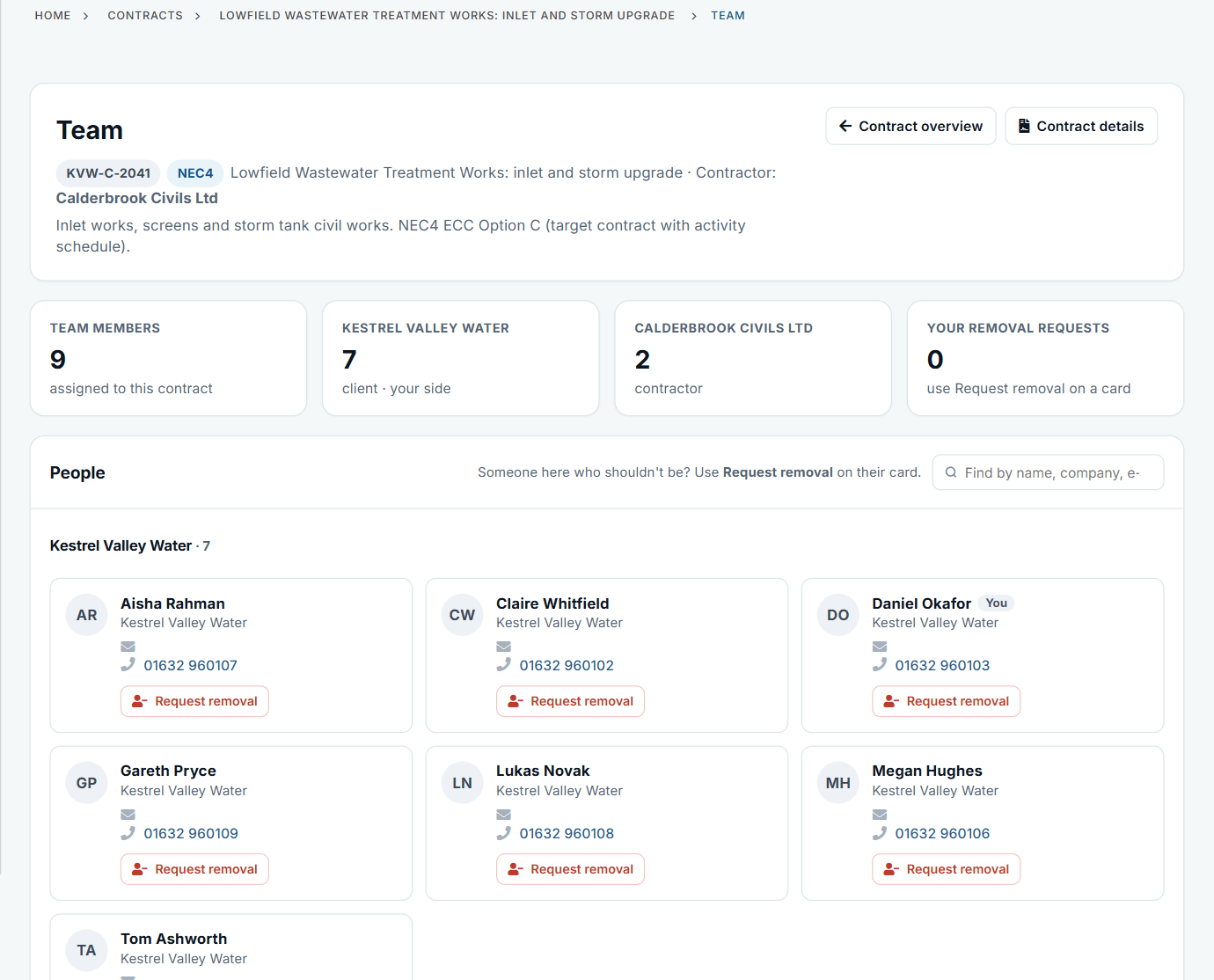
See people grouped by side on each contract, and ask administrators to remove someone with a reason. New people can be given a role and contracts in one go.
Key Dates that are met
Your team marks a Key Date complete with a date and note. Clause 30.3 and 25.3 are about the Condition and the cost of missing it; here you can see which were met, and when.
Close-out, not abandonment
Close a finished contract in one step, with open items closed and a history PDF, timeline spreadsheet and all documents in one ZIP. It stays view only and can be reopened.
Your people need less training
A new engineer does not need to know the NEC by heart to use it. The form tells them what is required, the record shows the next step, and a "What's this?" explains each NEC term. The help centre has NEC3 and NEC4 guides that explain each process and how the app follows it.
It will not make them contract experts, and it does not decide who is right. It does make it much harder for a junior person to send the wrong thing, in the wrong place, on the wrong date. Your own coaching can then be about judgement rather than procedure.
See it, try it, read up
Nobody has responded to my early warning
A contractor's early warning gets no response. Contract Status shows it overdue on the register, and lets either side ask for an early warning meeting.
See the exampleAn instruction came with no compensation event
The Project Manager gives an instruction and notifies no compensation event. How the contractor picks it up in Contract Status and notifies it.
See the exampleThe Project Manager has told us to stop work
A stop instruction under 34.1 in Contract Status: what the contractor sees, how it is recorded and how the restart and any compensation event follow.
See the exampleSee several contracts side by side
Tell us which forms you run. We will show how a mixed set looks on sample data.